3-in-1 Apple Charging Station: Tidy Desk & Nightstand
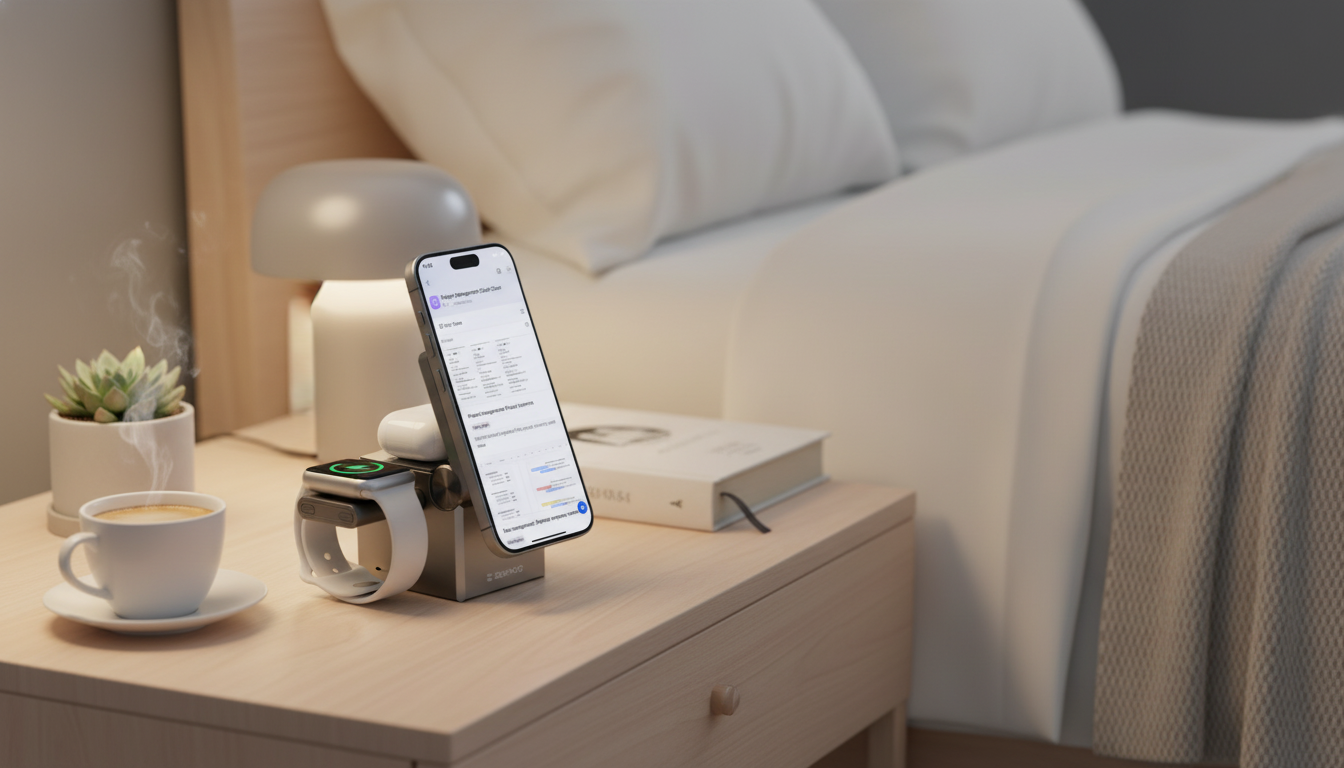
Keeping an iPhone, AirPods, and Apple Watch charged can turn into a cable-heavy mess on a desk or nightstand. A 3-in-1 charging station consolidates daily charging into one compact setup, helping reduce clutter while keeping each device easy to grab and ready for the next day.
Why a 3-in-1 charging station makes daily life easier
A multi-device station is less about flashy tech and more about smoothing out the small friction points that happen every day—especially at night and first thing in the morning.
- Less cable clutter: One organized hub replaces multiple cords and separate pads.
- A reliable “drop zone”: Each device gets a consistent home, so it’s harder to misplace earbuds or a watch before bed.
- Simpler routines: Put everything down once, wake up with everything ready.
- Less wear on ports: Fewer plug/unplug cycles can reduce strain on charging ports and cables over time.
- Great for shared spaces: A station works neatly on an entry table, desk, or bedside stand where multiple people may charge devices.
What to look for before choosing a charging station
Not all 3-in-1 chargers behave the same. A few practical checks can prevent the most common “why didn’t it charge?” surprises.
- Device compatibility: Confirm it supports iPhone wireless charging, Apple Watch charging, and AirPods with wireless-charging cases.
- Charging method: Magnetic alignment for iPhone can be especially helpful if you keep a case on most of the time.
- Watch placement: A stable cradle helps the watch sit correctly so it doesn’t shift overnight.
- Case friendliness: Very thick cases or metal accents can reduce wireless charging reliability.
- Safety features: Temperature control, over-current protection, and foreign object detection matter for overnight charging.
- Footprint and stability: A weighted base and non-slip pads help prevent tipping when you grab your phone one-handed.
Quick checklist: match a station to your routine
| Routine/Need | What to prioritize | Why it matters |
|---|---|---|
| Nightstand charging | Low glare indicators, stable base, safe overnight charging | Prevents bright lights at night and reduces the risk of devices shifting off the charger |
| Desk setup | Compact footprint, easy one-hand docking, tidy cable routing | Keeps workspace clean and minimizes interruptions during the day |
| Shared household station | Clear device zones, sturdy build, simple alignment | Reduces confusion and makes it easier for anyone to use correctly |
| Travel or small spaces | Foldable/portable design (if needed), lighter footprint | Fits into limited space and supports a consistent routine on the go |
How a 3-in-1 setup typically charges each device
Understanding how each zone works helps you set expectations and dock devices correctly the first time.
- iPhone: Charges via a wireless pad or magnetic wireless surface. Best results typically come from centered placement and a compatible case.
- Apple Watch: Uses a dedicated watch charging puck/cradle. Make sure the watch sits flush to avoid intermittent charging.
- AirPods: Charges wirelessly when the case supports it. Status light behavior varies by model, but it can help confirm charging.
- Single power input: Most stations run all three zones from one cable—use a quality wall adapter that meets the station’s requirements.
For additional guidance on power adapters and wireless charging behavior, Apple’s support resources can be useful: About the Apple USB Power Adapters and If your iPhone won’t charge wirelessly. If you’re comparing wireless standards, the Wireless Power Consortium (Qi Certified Products) directory can help you understand certification categories.
3-in-1 Apple Charging Station for iPhone, AirPods & Apple Watch (product highlight)
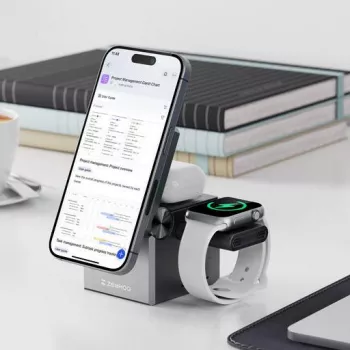
If the goal is a cleaner, more consistent charging routine, the 3-in-1 Apple Charging Station for iPhone, AirPods & Apple Watch keeps all three devices in one organized station. It’s designed to create a dedicated spot for each device, which is especially helpful on a nightstand or desk where clutter builds quickly.
- One organized station: A single setup for iPhone, AirPods, and Apple Watch.
- Tidy layout: Helps keep a nightstand or workspace visually clean.
- Fast “drop-and-charge” habits: The layout supports quick docking during busy mornings and evenings.
- Minimalist-friendly: A practical upgrade from scattered cables and separate charging pads.
- Accessible price point: An easy step up to a more organized charging corner.
At-a-glance
| Item | Details |
|---|---|
| Product | 3-in-1 Apple Charging Station for iPhone, AirPods & Apple Watch |
| Price | 33.51 USD |
| Availability | In stock |
| Product page | View details |
Setup tips for reliable charging (and fewer morning surprises)
Common issues and quick fixes
More in-stock finds
- Portable 8/12 Speed Cordless Handheld Blender Mixer
- 3D Wooden Racing Car Puzzle Kit
- Bohemian Hypoallergenic Imperial Jasper Stone Drop Earrings for Women
FAQ
Will a 3-in-1 station charge through an iPhone case?
Usually yes with most standard cases, but very thick cases or cases with metal parts can reduce efficiency or cause misalignment. If charging is inconsistent overnight, try repositioning the phone or removing the case.
Do AirPods need a special case to charge on a wireless station?
Yes—AirPods must have a wireless-charging compatible case. If the case supports wireless charging, align it carefully on the AirPods zone and confirm charging using your model’s status light behavior.
Is it safe to leave iPhone, AirPods, and Apple Watch charging overnight?
It’s generally safe when using a quality charging station and the correct power adapter, especially when built-in protections and good ventilation are present. Keep the area clear of heat sources and replace worn or damaged cables promptly.










Leave a comment