Mini RC Drone: HD Camera, 360 Flips & One-Key Return
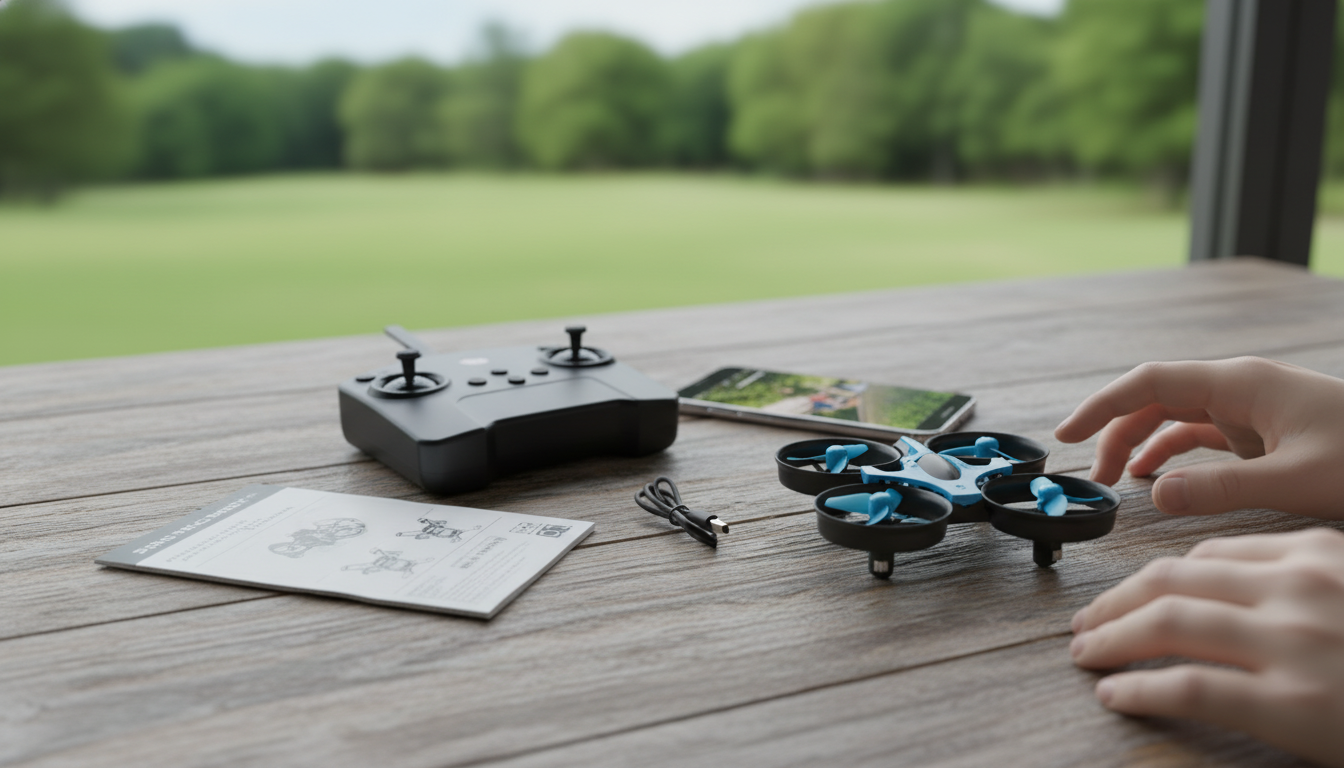
Mini RC Drone with HD Camera: 360° Flips, 2.4G Control, and One‑Key Return
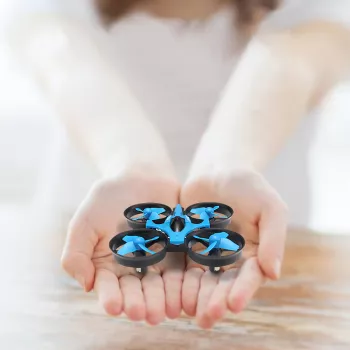
A pocket-size quadcopter can still deliver big fun: quick takeoffs, stable control, and simple recovery when it drifts. This mini RC drone pairs an HD camera with 360° flips, a 2.4G remote link, and a one‑key return function designed to keep flights stress-free for beginners while still offering enough tricks to stay entertaining.
What makes this mini drone easy to fly
Learning to fly is mostly about building calm, repeatable stick habits. A mini drone helps by keeping things simple and approachable, especially when you’re practicing hover and gentle turns.
- 2.4G remote control helps reduce interference in common flying areas like parks and living rooms with multiple devices nearby.
- One‑key return is designed as a quick way to bring the drone back toward the pilot when orientation gets confusing.
- Compact size supports indoor practice sessions where learning control matters more than speed.
- Beginner-friendly controls help build muscle memory for throttle, yaw, pitch, and roll without overwhelming settings.
HD camera basics: what to expect from a mini platform
Mini drone cameras are built for casual fun—quick snapshots, short clips, and simple overhead views. The biggest upgrade to video quality usually comes from technique, not settings.
- The HD camera is best for daylight snapshots and short clips at close range; smoother results come from slower stick inputs.
- Keep the drone steady before capturing footage: hover first, then make gradual movements rather than quick jolts.
- Indoor lighting can introduce noise or blur; flying near windows or brighter rooms improves clarity.
- Camera angle and distance matter more than altitude; low passes and slow pans typically look better than high climbs.
Simple settings and habits that improve footage
| Situation | What to do | Why it helps |
|---|---|---|
| First flights | Record short clips (10–20 seconds) | Easier to review and adjust technique |
| Windy conditions | Fly lower and closer | Reduces drift and shaky footage |
| Indoor practice | Use a clear open area | Minimizes collisions and sudden camera jolts |
| Action shots | Use gentle arcs instead of sharp turns | Keeps video more watchable |
360° flips and fun flight modes
Flips are the kind of feature that turns a “first drone” into something you’ll keep grabbing for quick sessions. The trick is timing and space—do the basics first, then add stunts.
- 360° flip functions add stunt capability; use them after mastering stable hover and controlled forward flight.
- Perform flips with extra space around the drone to avoid clipping walls, trees, or ceilings.
- Stunts drain battery faster than gentle cruising; plan to do flips earlier in the session when power is highest.
- Practice over soft surfaces (like carpet or grass) to reduce impact risk while learning timing.
One‑key return: how to use it safely
One‑key return is best viewed as a helpful assist when you lose orientation—not as an autopilot guarantee. Using it thoughtfully can prevent “panic inputs” that cause most beginner crashes.
- Treat one‑key return as a helpful assist rather than a guarantee; always keep line of sight when possible.
- Before using return, reduce speed and altitude so the drone is less likely to drift during the maneuver.
- If the drone approaches an obstacle while returning, cancel the return and manually steer to a clear area.
- Build a habit of “stop, hover, return” instead of triggering return while the drone is moving quickly.
Range, interference, and the advantage of 2.4G control
A steady control link matters more than raw range. 2.4G is widely used in consumer RC gear because it’s generally reliable around everyday electronics, especially compared with older systems.
- 2.4G control is common for consumer RC and helps maintain a steadier link than older frequency systems in many environments.
- Keep the remote oriented toward the drone and avoid standing behind metal structures that can block signal.
- Fly away from crowded RF environments when possible (dense apartment Wi‑Fi, large events, heavy industrial areas).
- If responsiveness drops, bring the drone closer and land to reset—continuing to push range increases risk.
Battery, charging, and session planning
Mini drones are most fun when flights are planned like short practice sets. You’ll improve faster and reduce wear by keeping sessions controlled and consistent.
Safety and rules to know before flying
For U.S. guidance and recreational flight basics, review the FAA’s drone safety resources. Additional safety references are available from the NTSB.
Who this mini drone is best for
Product snapshot and quick comparison
At-a-glance overview
| Item | Notable features | Best use |
|---|---|---|
| Mini RC Drone with HD Camera, 360° Flip, 2.4G Remote Control, One‑Key Return | HD camera, flips, 2.4G link, one‑key return | Beginner practice, indoor/outdoor calm days |
More in-stock gift ideas (quick, fun, and easy to pick)
- 3D Wooden Racing Car Puzzle Kit for hands-on building and display.
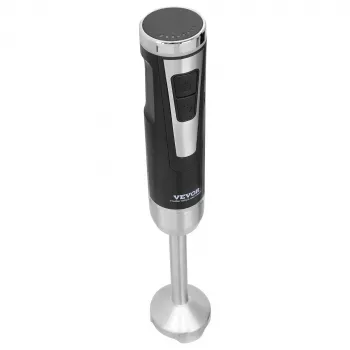
- Portable 8/12 Speed Cordless Handheld Blender Mixer for smoothies, shakes, and quick kitchen tasks on the go.
- Bohemian Hypoallergenic Imperial Jasper Stone Drop Earrings for Women for a small, stylish add-on gift.
FAQ
Is a mini drone with an HD camera good for beginners?
Yes—mini drones are often beginner-friendly because they’re typically affordable, simple to control, and less intimidating to practice with. For the best HD results, fly in bright light, keep movements smooth, and avoid windy conditions.
How does one-key return work on a small RC drone?
One-key return is an assist feature that attempts to guide the drone back toward the pilot when you trigger it. Use it at lower speed and altitude, keep the drone in sight, and cancel the return if it approaches obstacles.
Can a 2.4G remote control drone fly indoors safely?
It can, as long as you prepare the space and fly conservatively. Clear breakables, keep flights low, avoid fans and pets, and use gentle stick inputs for controlled hovering and turns.







Leave a comment