Silicone iPhone Charging Port Dust Cover: Keep Lint Out
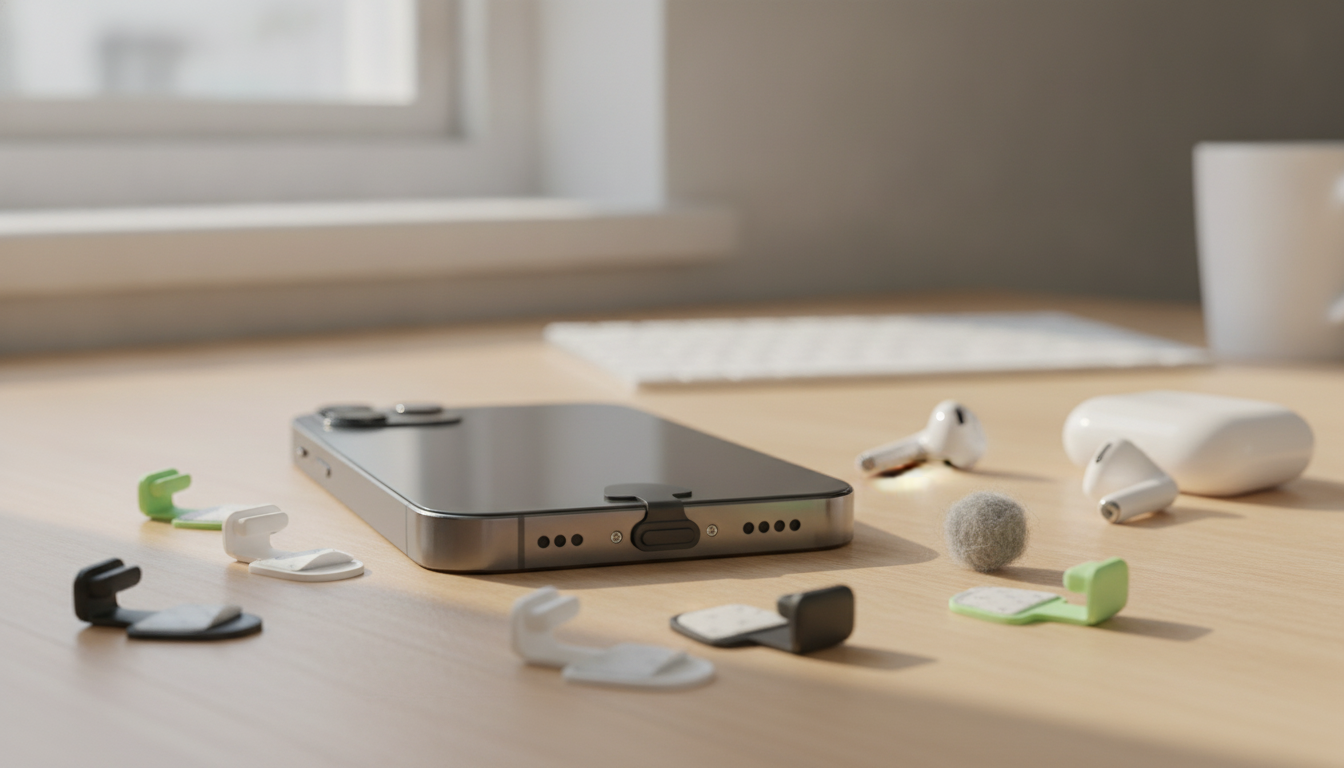
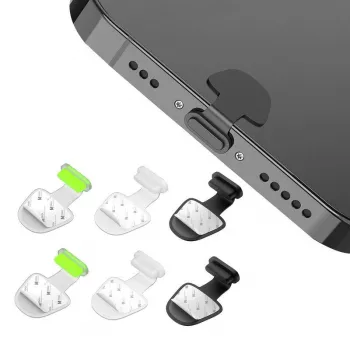
Silicone Charging Port Dust Cover for Apple iPhone
A charging port is one of the easiest places for pocket lint, sand, and dust to build up. A small silicone dust cover helps block debris before it gets packed into the port, reducing charging interruptions and keeping the connector area cleaner during everyday carry, travel, workouts, and outdoor use.
If you’ve ever had a cable that “only charges when you wiggle it,” debris is a common culprit. Apple even recommends checking the charging port for debris when troubleshooting charging issues (see Apple Support — If your iPhone or iPod touch won’t charge). A simple port cover won’t replace good cleaning habits, but it can reduce how often lint and grit get a chance to enter in the first place.
What a silicone port dust cover does
- Blocks loose debris (lint, dust, sand) from entering the charging port during daily use.
- Helps reduce intermittent charging caused by compacted pocket lint.
- Adds a simple layer of protection in environments like beaches, workshops, gyms, and backpacks.
- Silicone material is flexible, light, and easy to remove when it’s time to charge.
Because silicone flexes slightly, a well-made cover can sit snugly without putting pressure on the port. It’s a small accessory, but it can be especially useful for phones that spend a lot of time in pockets, crossbody bags, or tool belts where fine fibers and dust collect.
Compatibility and fit notes for iPhone ports
Before buying any port cover, confirm what connector your iPhone uses. Many iPhone models use Lightning, while newer models may use USB‑C. A dust cover must match the port shape to avoid looseness, accidental drops, or a poor seal against debris.
- Confirm the port type on the iPhone: many models use Lightning, while newer models may use USB‑C.
- A proper fit should sit flush enough to stay in place without needing force to insert.
- If using a protective phone case, ensure the case cutout leaves room for the cover to seat securely.
- If the cover feels loose, avoid relying on it in dusty conditions; consider a tighter-fitting alternative.
Quick fit checklist before buying
| Check | What to look for | Why it matters |
|---|---|---|
| Port type | Lightning or USB‑C matches the phone | Prevents poor fit and accidental drops |
| Case clearance | Case opening is not too narrow | Cover can sit fully in the port area |
| Insertion feel | Snug but not forced | Avoids damage to the port or cover tearing |
| Removal access | Small lip or edge can be pinched | Makes daily charging convenient |
Everyday situations where it helps most
- Pocket carry: reduces lint buildup that can interfere with charging cables.
- Beach trips and hiking: keeps sand and grit out of the port opening.
- Workshops and DIY: helps block fine dust from saws, drywall, or garages.
- Gym bags: keeps debris from cloth fibers and chalky residue out of the port.
It’s also handy for travel days when your phone ends up in a backpack pocket alongside snacks, receipts, and random grit. The goal isn’t to make the phone invincible—it’s to reduce the routine buildup that turns into a charging headache later.
How to install and remove safely
- Wipe around the port area so dirt isn’t pushed inward during installation.
- Insert gently until it sits in place; do not jam or twist.
- Remove by pulling straight out; avoid prying at the port with metal tools.
- If the cover becomes sticky from sweat or dust, rinse with water and let it dry fully before reinserting.
If you suspect debris is already inside the port, don’t force a cover in. A cover is preventive—if lint is compacted inside, it’s better to address that carefully first. For general charging troubleshooting and safe handling, Apple’s guidance is a useful reference (see Apple Support).
Cleaning, care, and replacement tips
- Rinse silicone with mild soap and water, then air-dry completely.
- Inspect for tearing or deformation; replace if it no longer fits snugly.
- If charging becomes inconsistent, remove the cover and check the port for compacted debris (avoid sharp objects).
- Store spares in a small pouch or zip bag to keep them clean.
Common concerns and practical workarounds
It’s worth setting expectations: this accessory mainly helps with dry debris. iPhone water and dust resistance varies by model and condition, and normal wear can reduce protection over time. For details on what iPhone ratings mean (and what they don’t), review Apple Support — About splash, water, and dust resistance of iPhone.
Pairing with a charging setup for less hassle
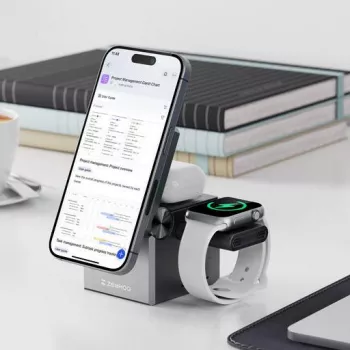
For a simple, low-cost way to keep the port cleaner between charges, the Silicone Charging Port Dust Cover for Apple iPhone is an easy add-on. If daily charging feels like a constant routine—especially if you also charge AirPods and an Apple Watch—pairing it with a single charging hub like the 3-in-1 Apple Charging Station for iPhone, AirPods & Apple Watch can cut down on cable clutter and make “remove cover, charge, re-cover” feel more automatic.
FAQ
Will a silicone dust cover protect an iPhone charging port from water?
No—its main job is to block lint and dust, not to create a certified waterproof seal. Avoid relying on it for liquid protection, and if the phone gets wet, let the port dry fully before charging.
Can a port dust cover cause charging problems?
A cover should be removed before charging, and it shouldn’t affect charging when it’s not in use. Problems usually come from lint already compacted in the port or from an ill-fitting cover that doesn’t stay clean or snug.
Will it fit with a phone case on?
It depends on the case cutout shape and depth. If the opening is too narrow or recessed, the cover may not seat fully or may be harder to remove for daily charging.








Leave a comment